The Electronic Pet Door comes with two (2) RFID tags included and can also be paired with your pets internal Electronic (134.2 KHZ chips - 15 digit). To pair your pet with the pet door follow the below steps:
1. Press SET once and 'TAG' will begin to flash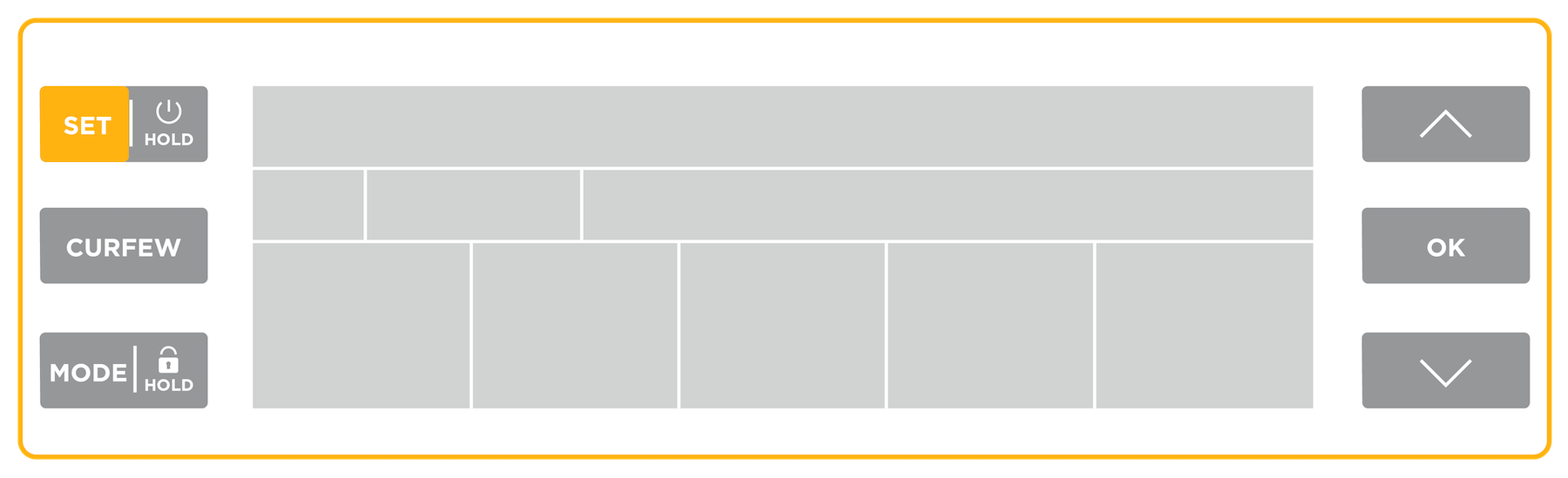
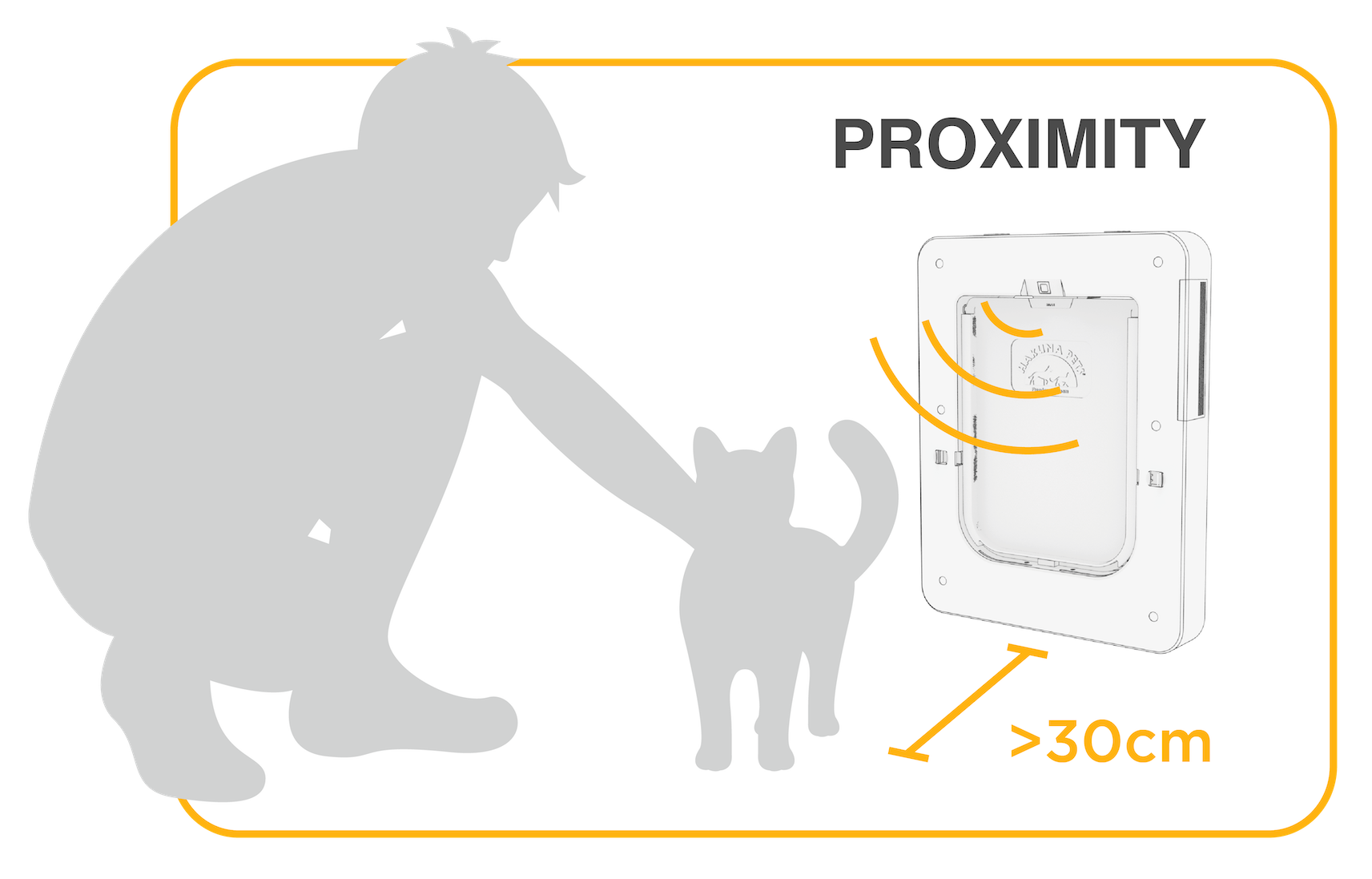
2. Press OK and the door will display 'SEARCHING'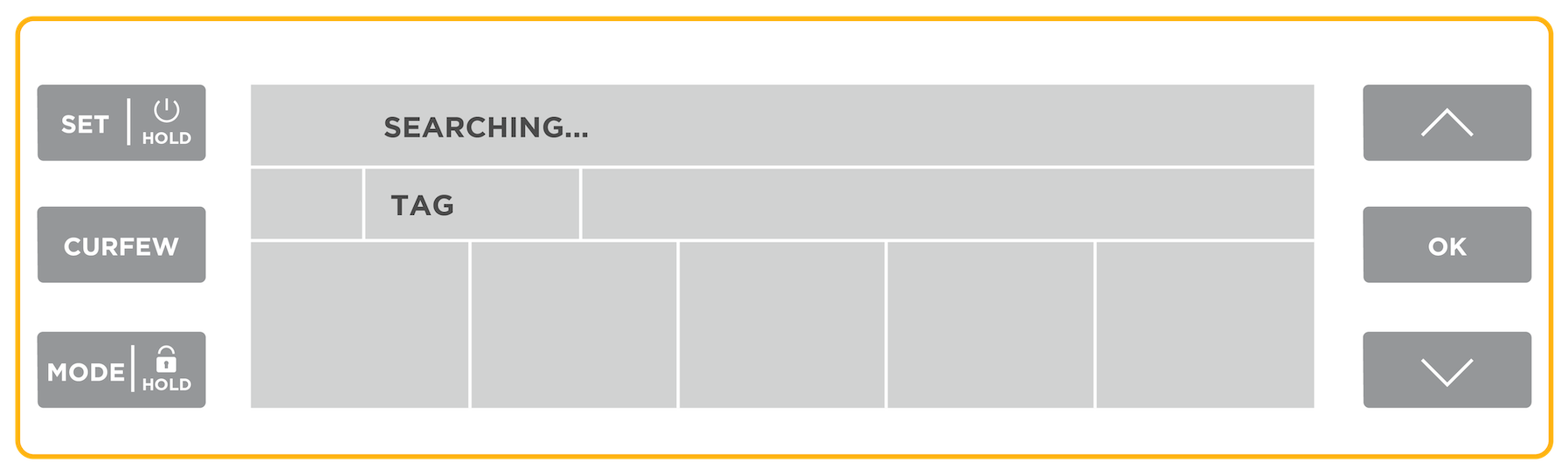 3. Place pet or RFID tag as close to the door as possible (under 30cm)
4. Once tag is added, 'ADDED' will display and a number will appear.
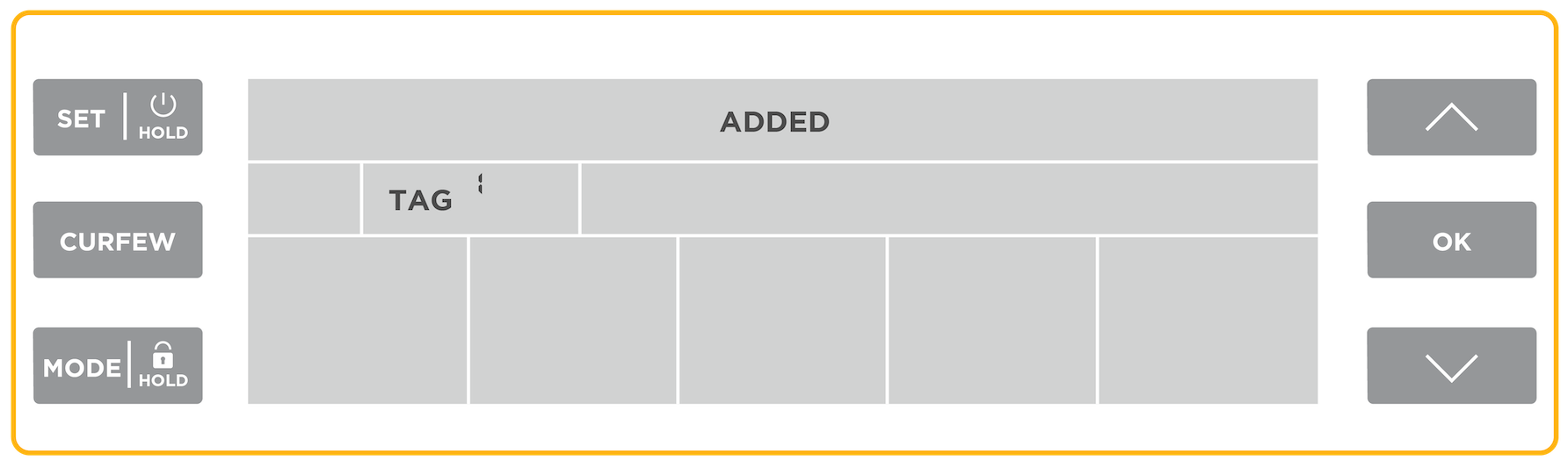
Repeat this process for up to six pets.
Video Guide
Was this article helpful?
That’s Great!
Thank you for your feedback
Sorry! We couldn't be helpful
Thank you for your feedback
Feedback sent
We appreciate your effort and will try to fix the article